YAAMon — Yet Another AllStar MONitor
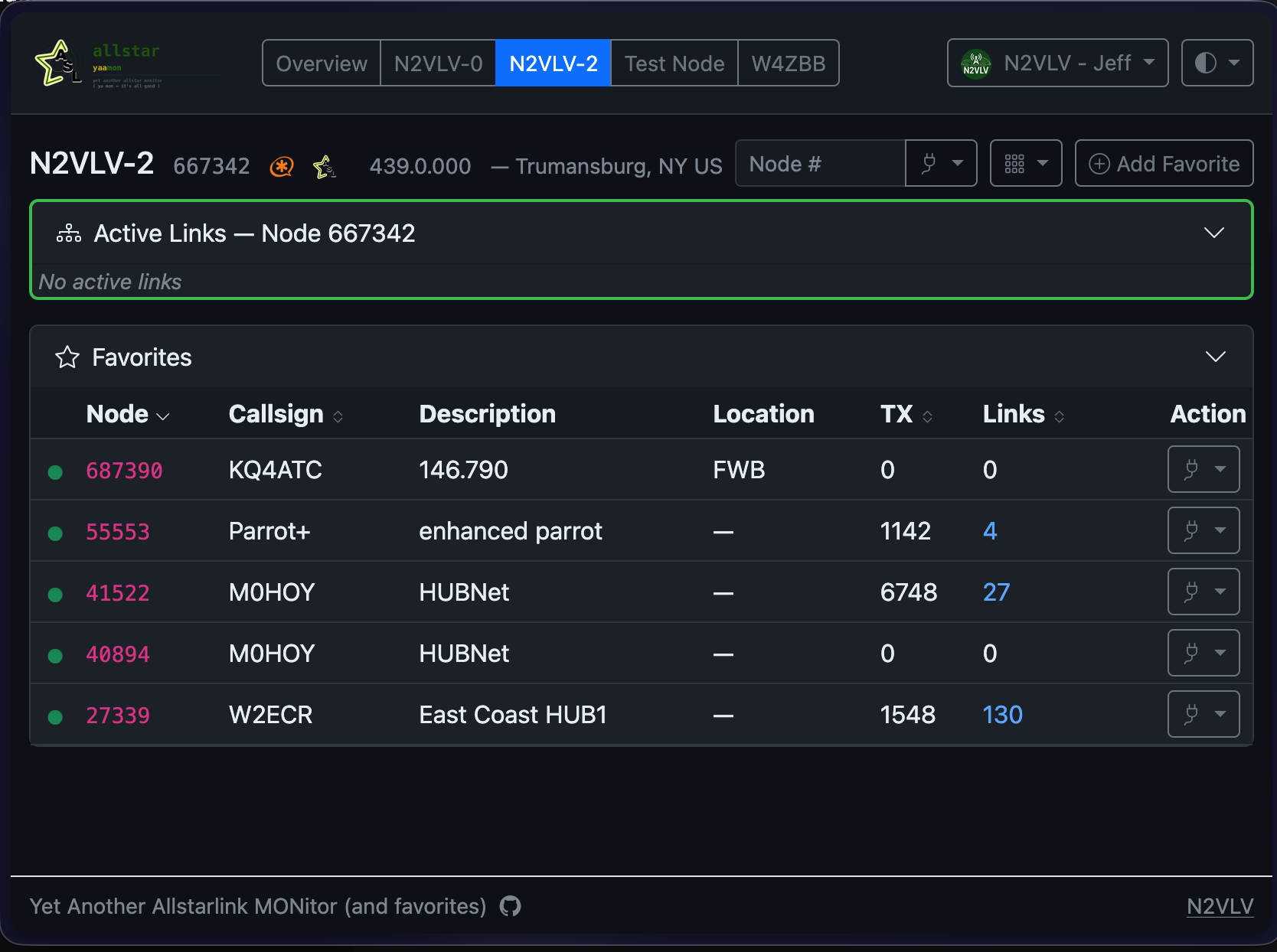
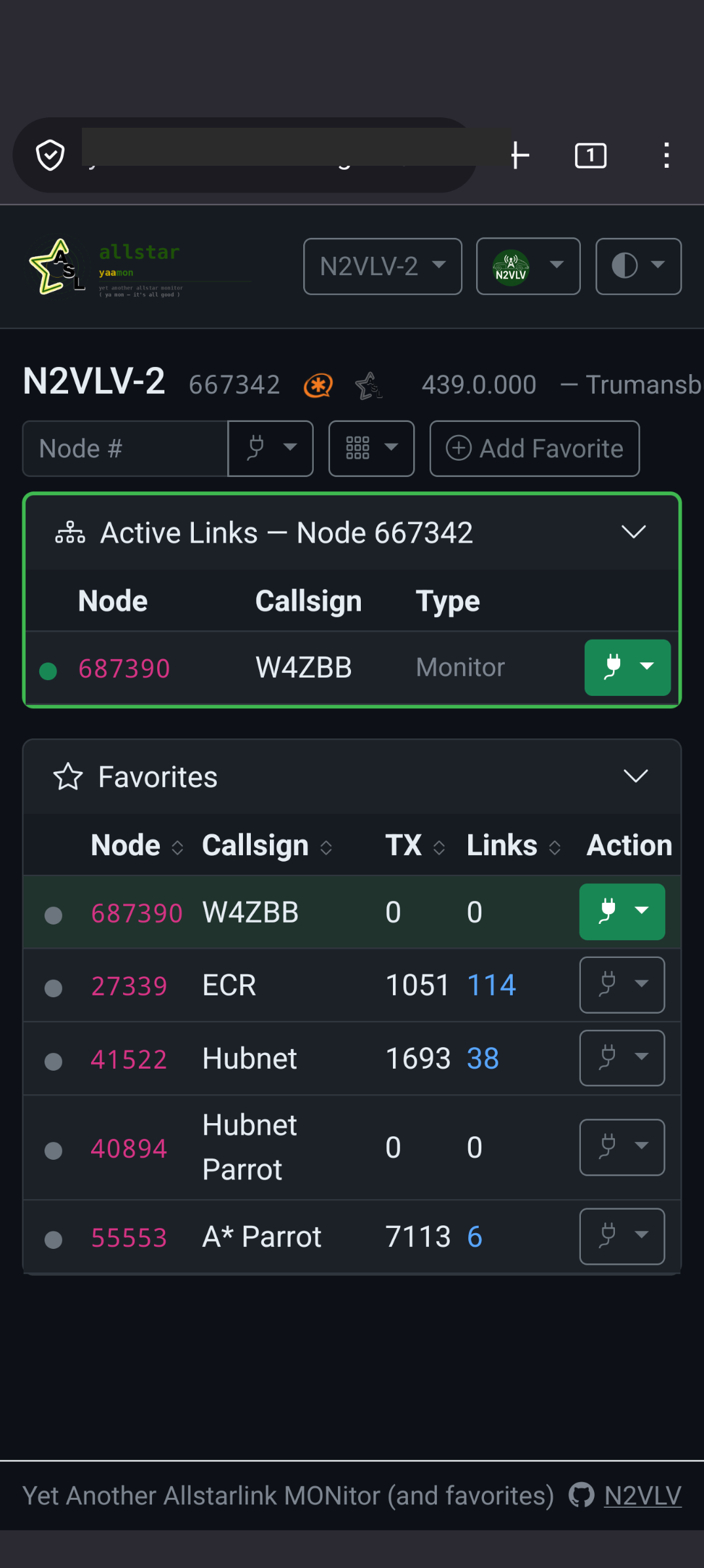
YAAMon is a modern, responsive web application for managing and monitoring AllStarLink amateur radio nodes. It replaces the PHP/Apache-based AllScan and Allmon3 with a single self-contained binary that needs no web server, no PHP runtime, and no external database engine. The interface works on desktops, tablets, and phones.
 |
 |
Key differences from AllScan and Allmon3:
- Single static binary — no web server, no PHP, no Node.js required
- Built-in TLS with automatic Let's Encrypt certificates and HTTP/3 (QUIC)
- Docker and docker-compose ready
- Multi-user with role-based access (superuser / admin / readwrite / readonly)
- Adaptive AllStarLink stats fetching — deduplicates across all open dashboards, switches between bulk and individual endpoints automatically to stay within API rate limits
- Live dashboard with SSE-pushed updates (no page refresh needed)
- Passkey / WebAuthn (FIDO2) authentication support
- Encrypted backup and restore
- Multiple color themes including high-contrast
Key differences from AllScan specifically:
- Manages multiple Asterisk/AMI nodes from one interface
Installation
| Method | Best for |
|---|---|
| Debian / Ubuntu package | ASL3 nodes (Raspberry Pi, x86 server) — recommended |
| Pre-built binary | Non-Debian Linux, manual systemd setup |
| Docker | Quick start, isolated environment |
| docker-compose | Production Docker deployments |
| Building from source | Development, custom builds |
Quick start — APT repository
curl -fsSL https://yaamon.n2vlv.net/debian/gpg.key \
  | sudo gpg --no-default-keyring \
      --keyring gnupg-ring:/usr/share/keyrings/yaamon-archive-keyring.gpg \
      --import
sudo chmod 644 /usr/share/keyrings/yaamon-archive-keyring.gpg
echo "deb [signed-by=/usr/share/keyrings/yaamon-archive-keyring.gpg] https://yaamon.n2vlv.net/debian stable main" \
  | sudo tee /etc/apt/sources.list.d/yaamon.list
sudo apt update && sudo apt install yaamon
Upgrades: sudo apt update && sudo apt upgrade yaamon
See full installation docs for manual .deb download and other options.
Quick start — Docker
docker run -d --name yaamon --restart unless-stopped \
  -p 8080:8080 \
  -v /etc/yaamon:/etc/yaamon \
  -v /var/lib/yaamon:/var/lib/yaamon \
  ghcr.io/jchonig/yaamon:latest
Access at http://<your-node-ip>:8080/. Default port is 8080 to coexist with ASL3's Apache on port 80.
Documentation
- Installation — all installation methods, migration from AllScan/Allmon3
- Configuration — config file reference, TLS, AMI, authentication
- User Guide — dashboard, favorites, profile, passkeys
- Security — web security, AMI security
- Troubleshooting — debug logging, common issues
- CLI Reference — all
yaamonsubcommands and flags - Design — architecture, database schema, API, CI/CD
Migrating from AllScan or Allmon3
See Migration — built-in import support, no conversion scripts needed.
Bugs & Discussion
- Bug reports: GitHub Issues
- Discussion & questions: GitHub Discussions
Please include your YAAMon version (yaamon --version), OS, and relevant log output when filing a bug.
License
BSD 3-Clause — see LICENSE.