User Guide
This guide covers everything accessible through the YAAMon web interface.
First-time setup
When you open YAAMon for the first time — before any users exist — you are redirected to /setup. Enter a username and password for your initial superuser account. This account has full administrative access.
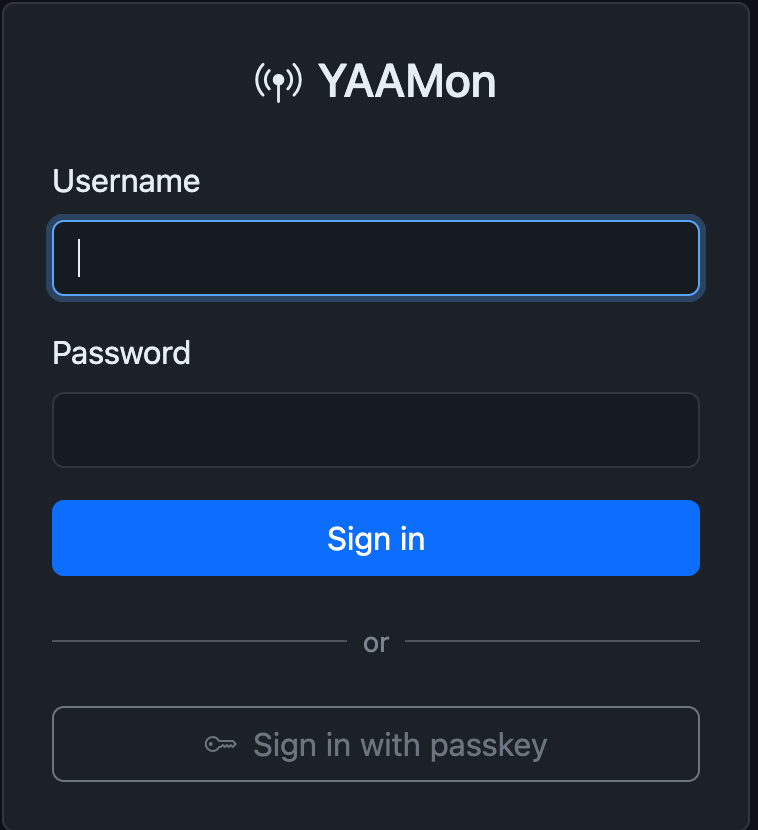
After creating the account you are taken to the login page. Sign in with the credentials you just created.
To bootstrap a fresh install non-interactively (e.g., in Docker), set
YAAMON_STATE_FILEto the path of a state file. See Declarative State.
Signing in with a passkey
If passkeys are configured, click Sign in with passkey below the password form. The browser presents any stored credentials for the site — no username or password is needed.
Topics
- User Roles — permission levels
- Administration — managing users, nodes, backup and restore
- Your Profile — avatar, password, callsign lookup, passkeys, themes
- Overview Page — multi-node summary
- Dashboards — node dashboard, favorites, network graph
- Callsign Lookup — ASL stats, callook.info, QRZ.com